See activity, users, libraries, statistics, and media health.
JellyGlance / Project deep dive
JellyGlance in one place
A practical view of the dashboard, from Jellyfin activity and statistics to the integrations and operational details around a real home media stack.

Nerdy TechnicianPublished 17 Sep 2026 · 23:20 BST · Project deep dive
9 ecosystem integrations3 operating modes1 operational view
JellyGlance is a Jellyfin companion dashboard for the operational side of a home media stack. Jellyfin serves the media well; JellyGlance brings the surrounding signals together so the system is easier to understand and manage.
JellyGlance is not trying to replace Jellyfin. It is the view around Jellyfin.
Manage roles, keys, tasks, backups, settings, and webhooks.
Connect the Arr stack and download clients around Jellyfin.
The main view
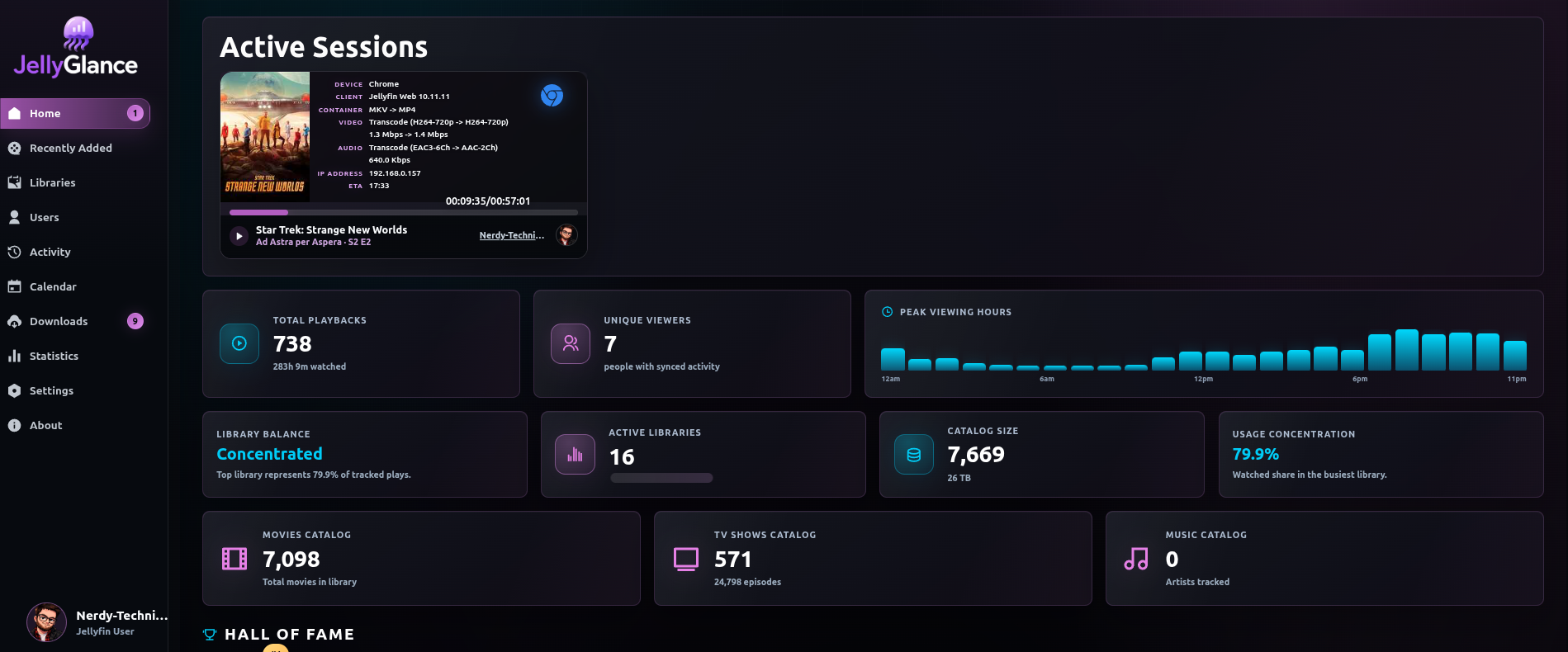
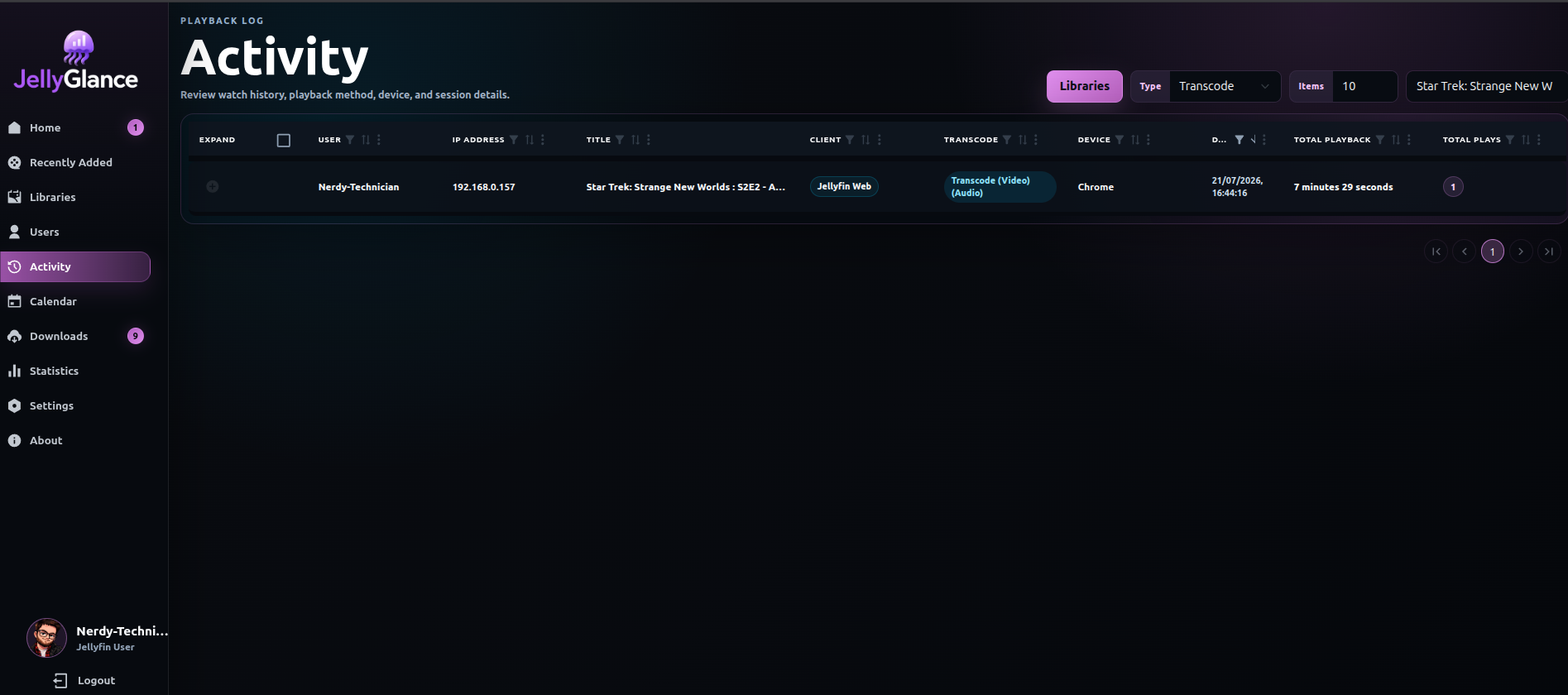
JellyGlance brings together live sessions, users, libraries, recent media, playback history, statistics, release calendars, download queues, webhooks, backups, and role-based access.
The useful question is not only “what can I watch?” It is also:
- Who is watching right now?
- What was added recently?
- Which libraries and integrations are healthy?
- What is waiting in the download queue?
- Which jobs, backups, or webhooks ran?
- What needs attention before it becomes a problem?
Observe
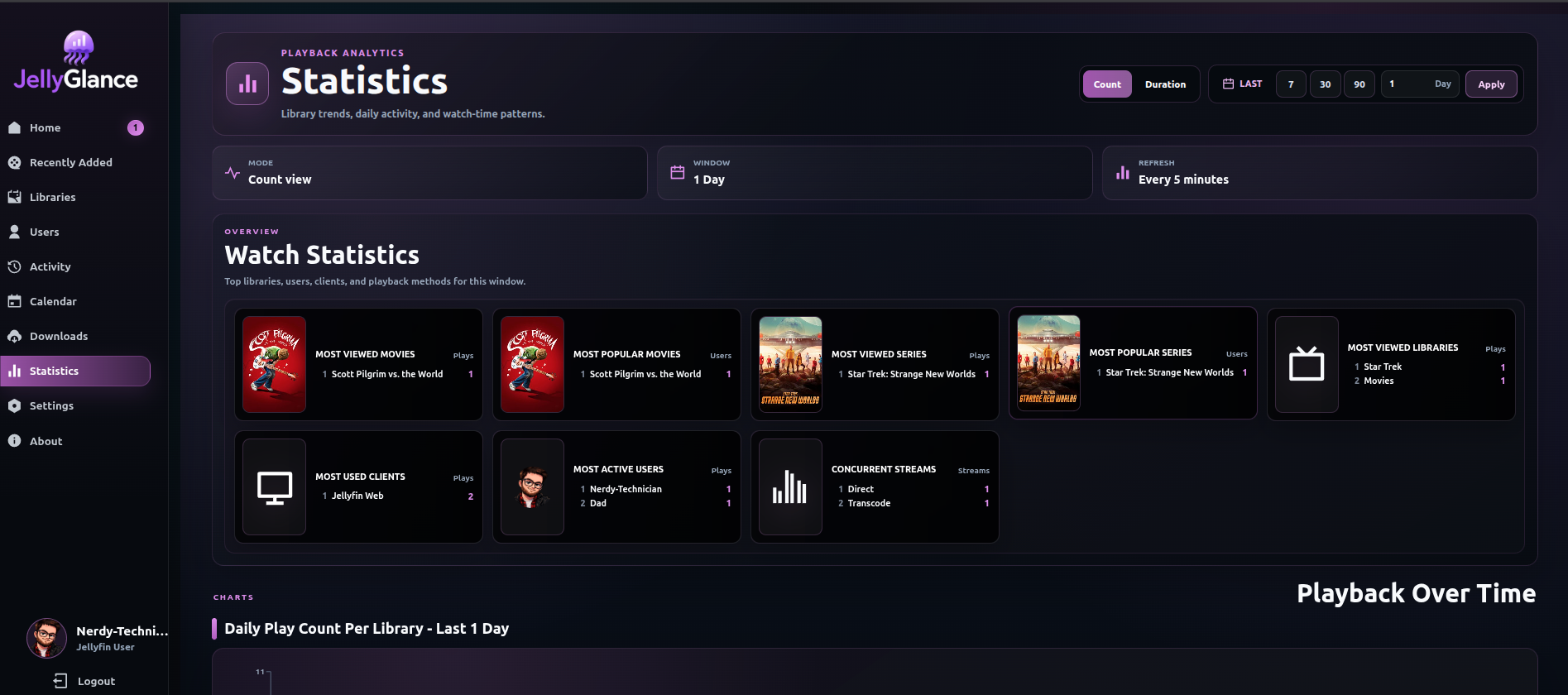
The dashboard covers active Jellyfin streams, playback history, user activity, library health, and recently added media. Statistics make longer-term patterns visible too, including top media, active users, watch-time trends, popular libraries, client usage, and activity by day or hour.
Jellyfin remains the source of truth for the media server. JellyGlance adds a wider operational view around it.
Control
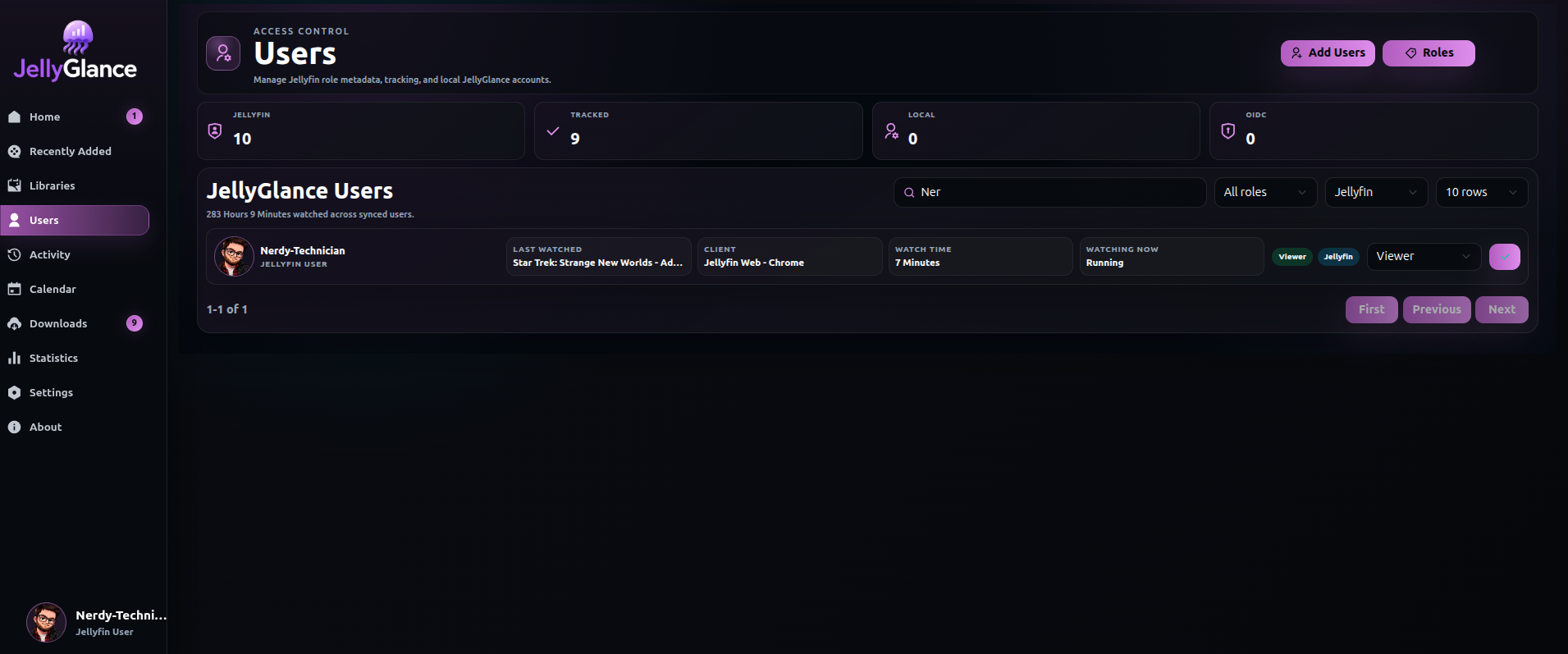
JellyGlance includes management tools for users, Jellyfin Quick Connect roles, API keys, settings, backups, scheduled tasks, logs, and webhooks. The project also includes role permissions so access can be shaped around the people using the dashboard.
That makes the app useful for more than a single-user dashboard. It can become a practical admin surface for a shared home server or a small media operation.
Integrate
The media stack rarely ends at Jellyfin. JellyGlance connects with:
- Sonarr
- Radarr
- Lidarr
- Bazarr
- qBittorrent
- Transmission
- Deluge
- SABnzbd
- NZBGet
Those integrations support release calendars, queue monitoring, health checks, download submissions, and event notifications without requiring every workflow to be managed in a separate tab.
Built for operations
The project focuses on the details that keep a self-hosted system usable over time:
- Quick Connect login and synced Jellyfin users
- Libraries, artwork, posters, backdrops, and sessions
- Role permissions and API keys
- Scheduled tasks, logs, and backups
- Webhook notifications and operational events
- Download queues and media-stack health checks
- Screens that work for both quick checks and deeper investigation
Why it belongs in a homelab
A homelab app earns its place when it reduces repeated work or makes an important signal easier to see. JellyGlance is built around that idea: one place to observe the media system, understand what changed, and act when something needs attention.
It is not trying to replace Jellyfin. It is the view around Jellyfin.
View the JellyGlance project · Open the live project · Read the documentation · View the repository